Canva alternative: Artmora vs Canva for creators
When choosing a Canva alternative, separate arranging the assets you already have from creating a new visual. Your next task will often make the choice clearer.
Start creating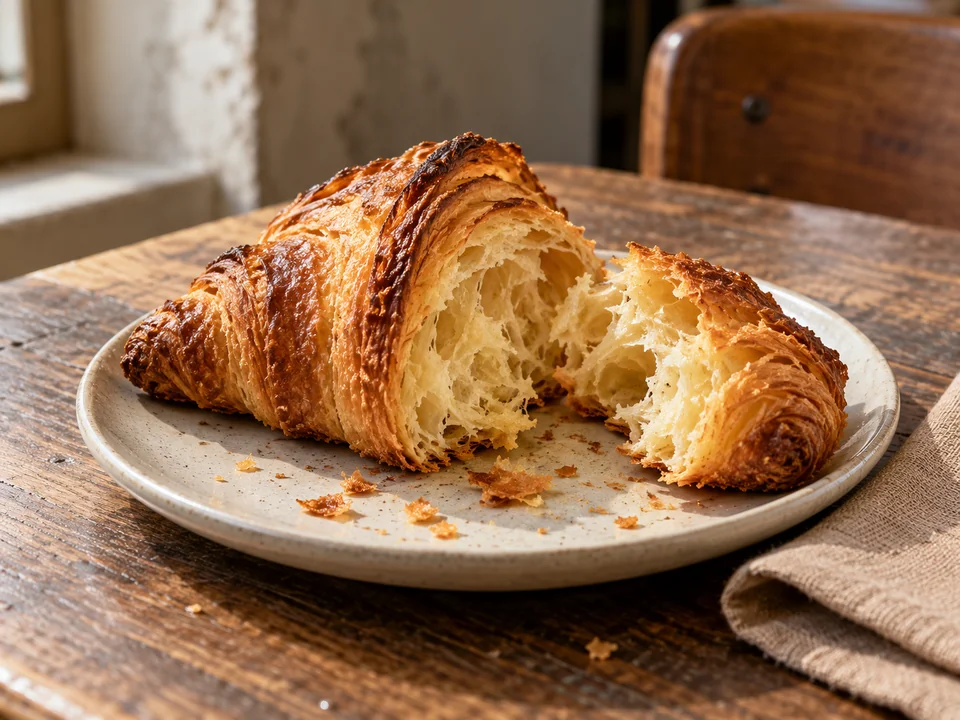
Compare the workflow
| Task | Canva | Artmora |
|---|---|---|
| Assets and layouts | Magic Design combines uploaded media, templates and AI content in a design. 1 | Generate visuals from a product reference, sketch or description, then refine and apply them. |
| Brand and formats | Brand tools and resizing are available with plan-dependent features. 2 | Save a brand for campaign work, then create and review outputs for different placements. |
| Motion | Canva provides video-generation tools as well as video design. 1 | GIF creation and a photo-led, scene-by-scene comic workflow in Crayon World. |
| Payment options | Free and paid plans with different content and AI allowances. 2 | Credit packs or monthly subscriptions; review the cost inside the creative tool. |
Decide whether layout or imagery comes first
If you already have photographs, copy and brand templates, evaluate Canva for arranging that material. If the missing piece is a product scene, a packaging direction or a fresh visual theme, try creating it in Artmora before choosing the final layout tool.
Test a real product launch
Use a pastry you actually sell and supply the correct name, price and promotion dates. Keep its shape and texture faithful to the photograph. Review both a phone cover and an in-store poster, checking wording, logos, safe margins and reading order.
Keep a mixed workflow if it helps
You do not need to move all existing designs to add an AI creation step. Download imagery from Artmora and place it in a template you already use. This transfers finished assets; it does not transfer a Canva project’s editable layers, fonts or team permissions.
Try this direction
Create visuals for a bakery’s new croissant. Preserve the shape and pastry layers in my product photograph. Use cream and warm wood tones, with space for a clear title and price. Prepare a social cover and a shop poster, keeping the product accurate and the offer easy to read.
Open the creative tool ↗Before you choose
- Does the pictured product match what you sell?
- Are prices, dates and small text verified?
- Is each format recomposed rather than stretched?