Build a continuous GIF comic
Think in scenes. One action per panel gives you a chance to review the story before committing to what happens next.
Start creating
Establish the opening
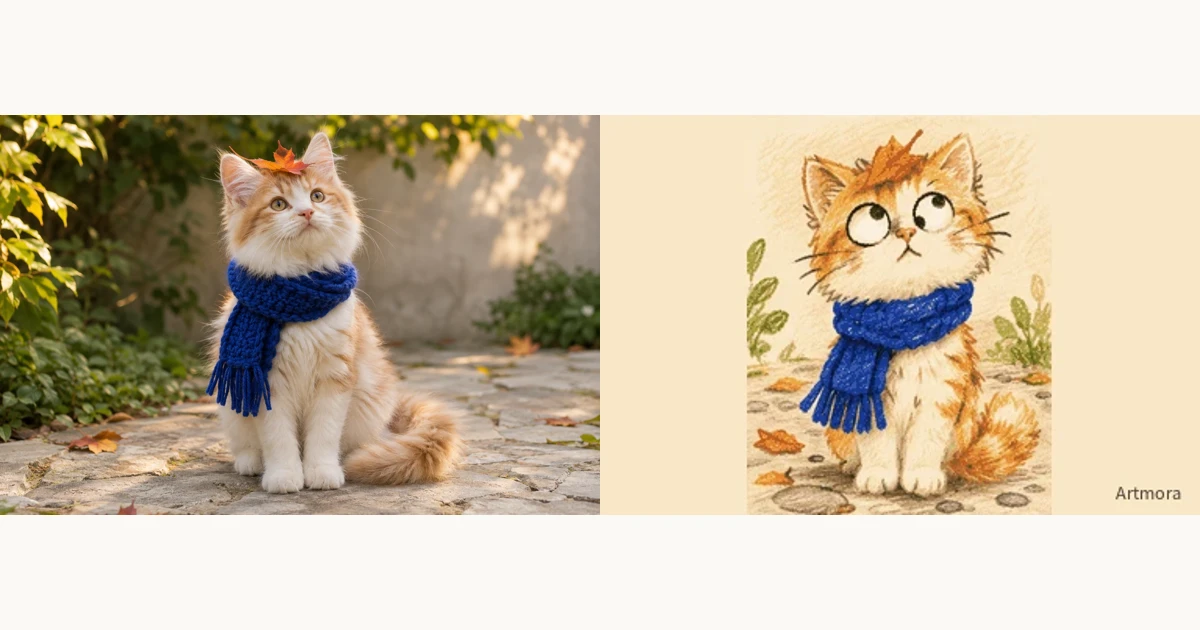
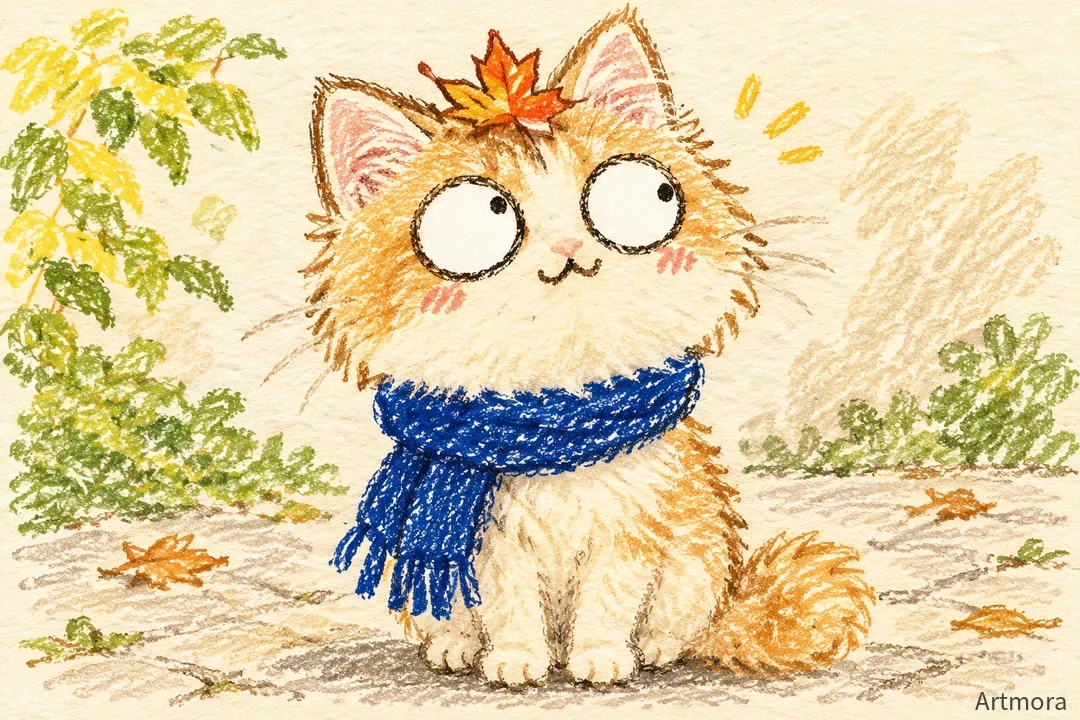
Generate the first crayon GIF from a photo. Set the character face, accessories, colours and orientation. The opening should show where the character is and what it is doing; do not leave essential character details until later scenes.
Continue or cut to a new scene
Use Continue for the next action in the same situation. Describe where the previous scene ended. Use New scene for a different place, time or viewpoint, while repeating the important character details. A move from the pond to home should not change a scarf or coat markings.
Play the sequence before export
Revisit earlier panels while new ones generate. Check for repeated actions, character drift and changes in orientation. Refine the affected scene before playing the whole sequence. Export as video or GIF; video is often easier to share for a longer sequence.
Try this direction
Continue: the orange cat carries the little fish from the pond towards home, then stops at the door. Keep its blue scarf, crayon texture and landscape framing from the previous scene.
Open the creative tool ↗Before you export
- Adjacent scenes connect
- Character and framing remain consistent
- The full sequence has been reviewed