Make a photo GIF with a tiny story
A short GIF can do more than blink. A sneeze that grows flowers or a jump to the moon gives a tiny animation a story the viewer can follow.
Start creating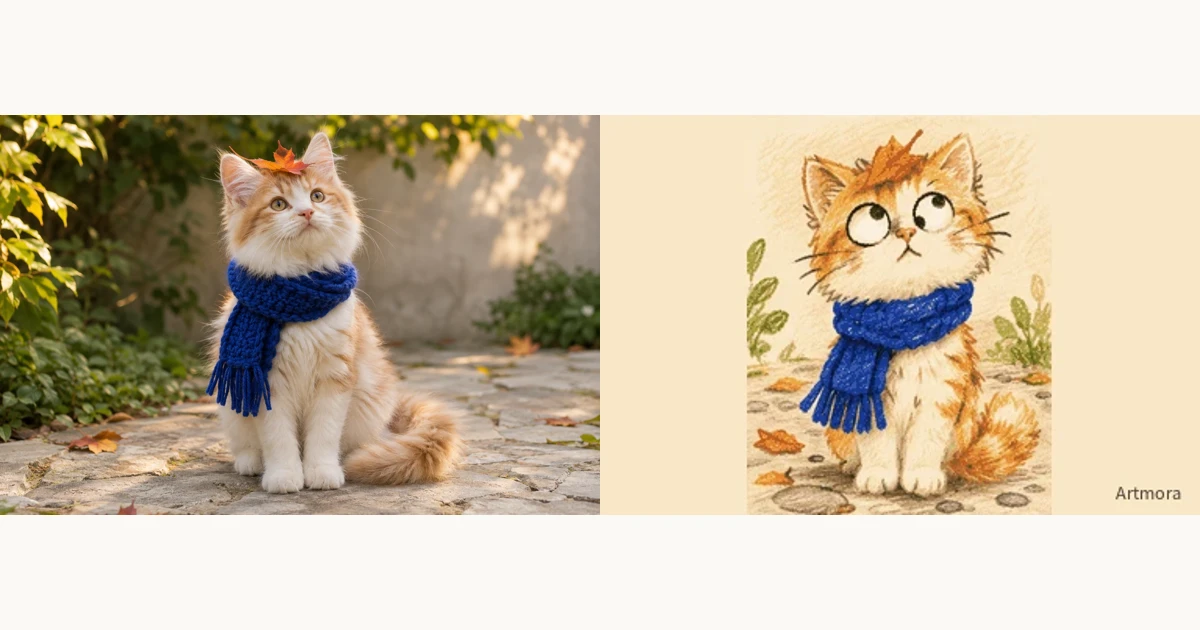
Lock the character and framing
Upload the photo you want to use and check its landscape or portrait framing. Name the clothes, features or pet markings that must stay. Keep the action within one frame rather than changing the camera, outfit and character at once.
Write three beats
Describe a setup, a change and a brief hold: the cat crouches, jumps onto the moon, then looks back at Earth. A short GIF has little room for a long chase or dialogue. One readable event works better than a list of visual adjectives.
Review the loop
Look for a clear action, a subject that stays in frame and a readable final pose. Looping does not require the story to reverse itself. If the next event needs more time, make it another scene in Crayon World.
Try this direction
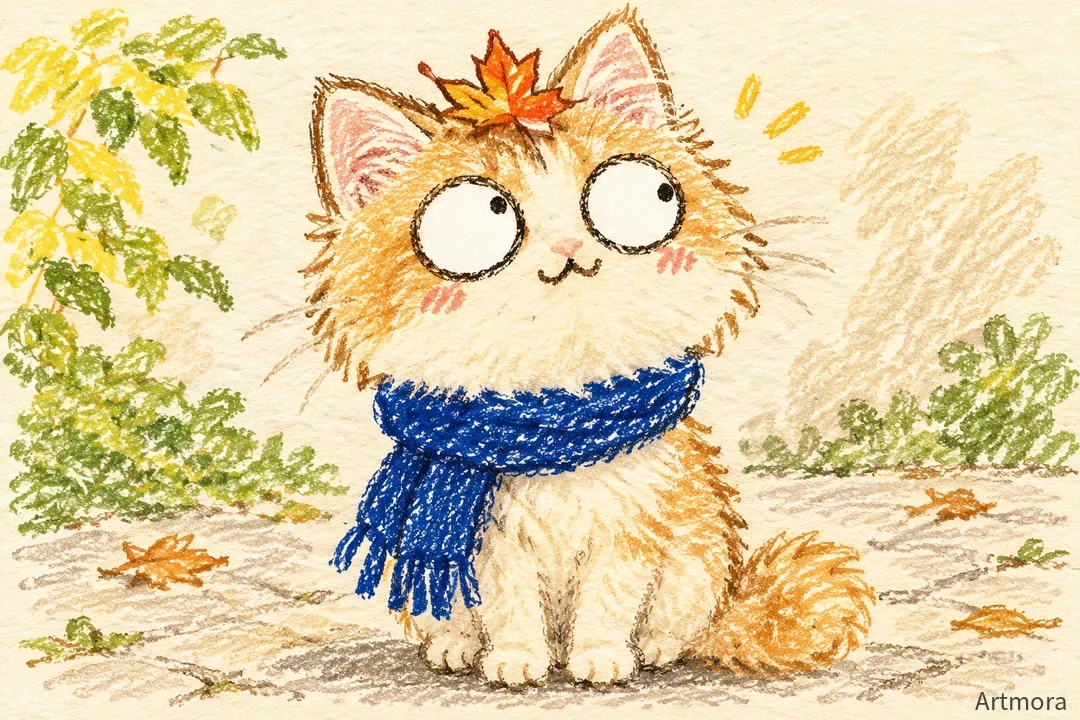
The orange cat crouches, leaps onto a tiny moon and looks back at Earth. Its scarf drifts gently. Keep the same character, colours and image aspect ratio.
Open the creative tool ↗Before you export
- One main event per clip
- The character and outfit stay consistent
- Orientation matches the reference photo