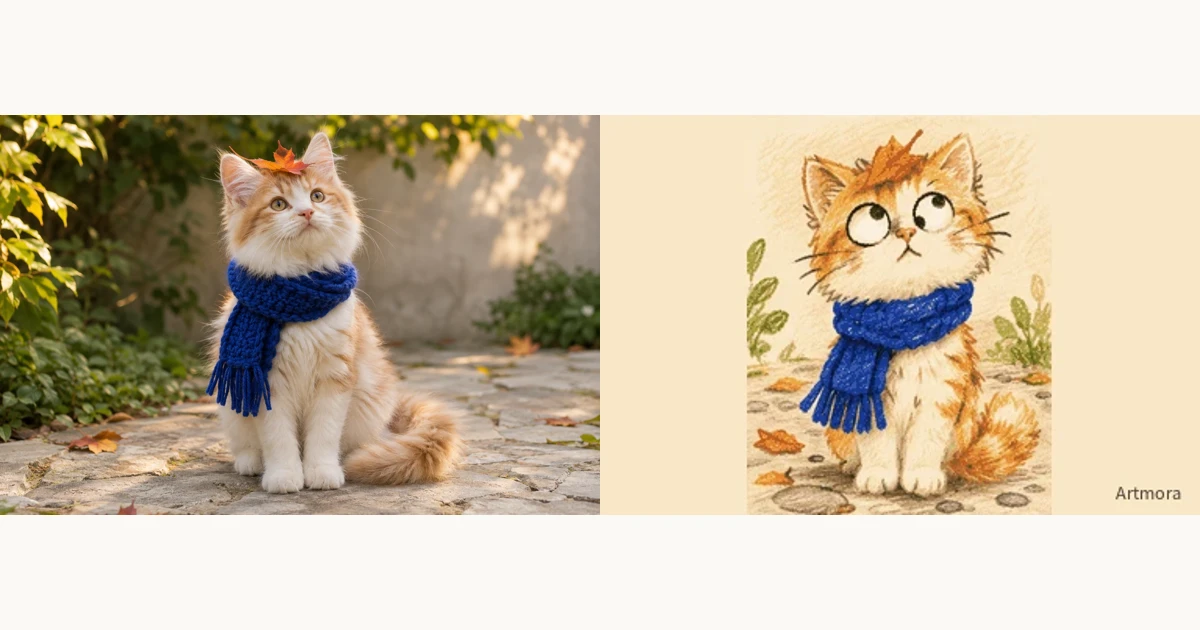
Turn a photo into crayon art
Change the marks, keep the character. A clear face, a familiar pose or a favourite scarf gives a crayon illustration something personal to hold on to.
Start creating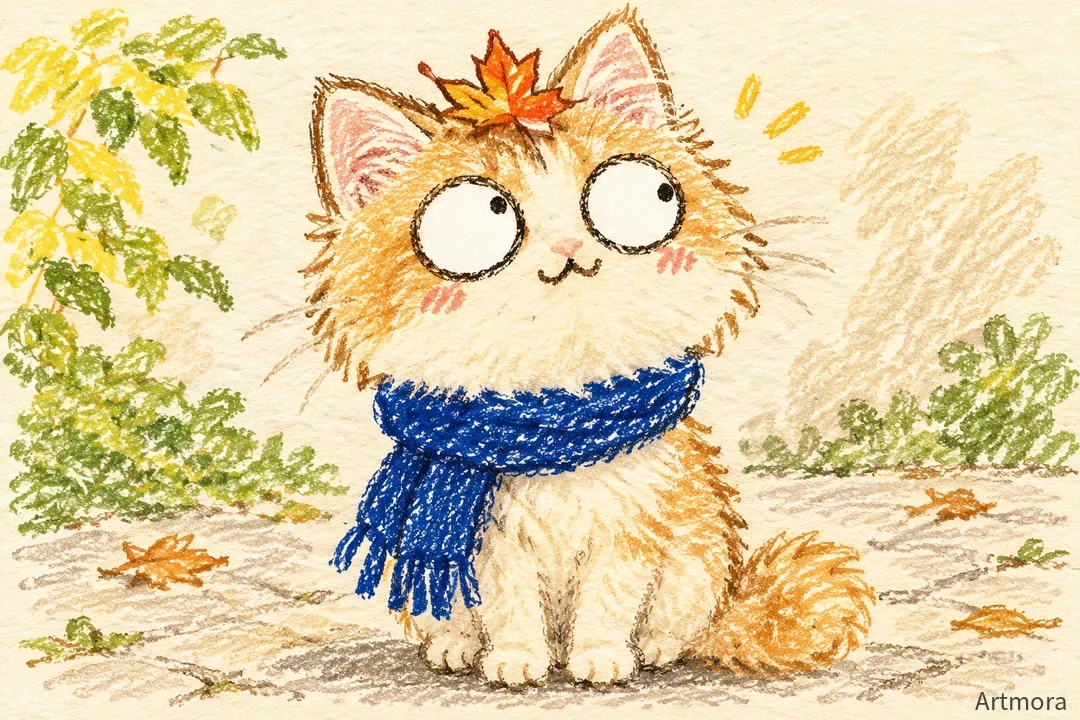
Choose a readable reference
Use a clear front or three-quarter view. Avoid heavily retouched faces, hidden features and very small subjects. For a pet, coat markings, ear shape and a collar often matter more than the background. State the number of people in a group photo.
Name the details to keep
Upload the photo, describe the subject and pose, then add crayon lines, paper grain and a restrained palette. For playful expressions, change one feature at a time. Combining oversized eyes, opposing pupils and strong facial distortion can make a recognisable face hard to read.
Review before adding motion
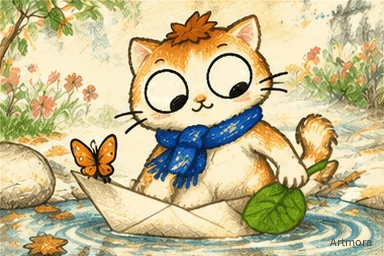
Check faces, hands, subject count and accessories. Refine one thing at a time, such as keeping the scarf while making the eyes more natural. Choose GIF for movement, or enter Crayon World to continue the character in a story.
Try this direction
Draw the orange cat in my photo as a crayon illustration. Keep the blue scarf, forehead markings and seated pose. Natural eyes, a curious expression, textured wax lines, a few leaves and warm sunlight.
Open the creative tool ↗Before you export
- The subject is recognisable
- People, accessories and coat markings match
- No extra lettering, borders or limbs