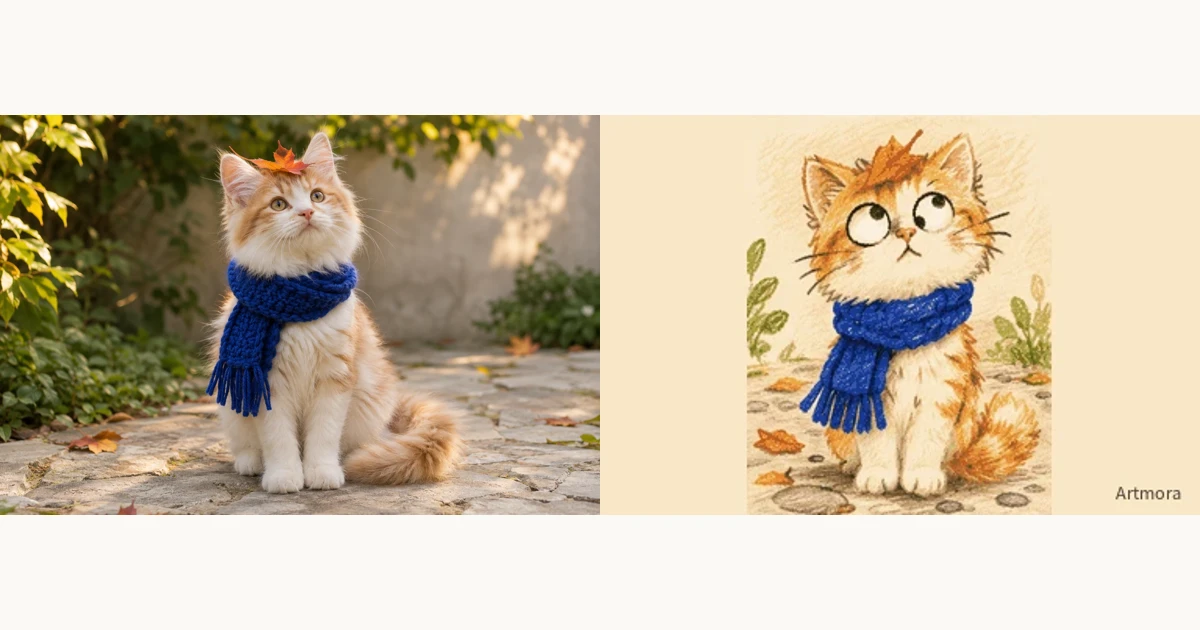
Midjourney alternative: Artmora for photos and GIF comics
Choose a Midjourney alternative around what happens after the first image. Do you want to keep exploring one visual, or take the character in your photo into an unfolding story?
Start creating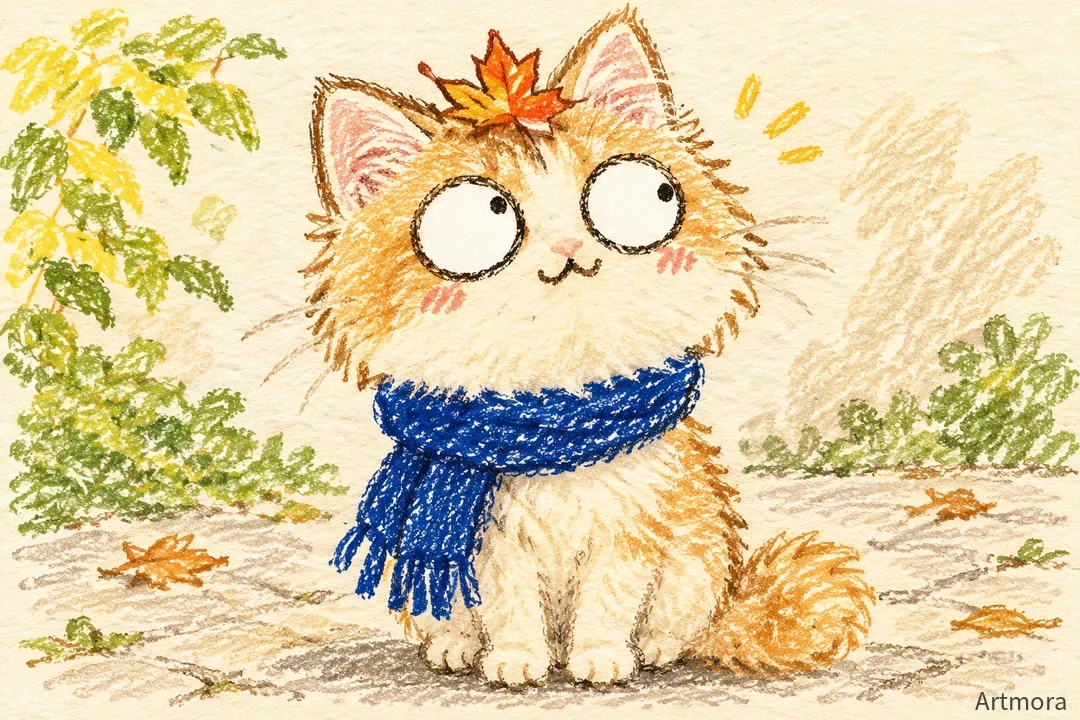
Compare the workflow
| Task | Midjourney | Artmora |
|---|---|---|
| Image editing | The web Editor supports uploaded images, regional editing and outpainting. 1 | Upload a reference or sketch, generate inside a creative experience and refine through conversation. |
| Motion | Image-to-video generation includes looping and motion controls. 2 | Turn a photo into a crayon GIF, then continue it or add a scene in Crayon World. |
| Usage | Subscriptions include different GPU-time allowances and generation modes. 3 | Creation uses credits, available through top-ups or monthly subscriptions. |
Evaluate visual exploration and storytelling separately
If your priority is refining the composition, materials and detail of a single image, compare actual image and editing results. If you want to develop a pet photo into a connected comic, try Artmora’s photo entry and scene workflow with that specific task.
Stabilise the character before changing the plot
Use one reference photograph and keep coat markings, clothing and distinctive accessories fixed. Generate a simple first action, then continue into another scene. Check that the character is recognisable, the orientation stays consistent and the actions connect, rather than judging only one attractive frame.
Judge the exported work
Review the scenes in Artmora, play them in sequence and export a GIF or video. Use the same story and delivery goal when comparing other tools. Character consistency and output quality still need human selection; inspect the actual resolution, file format and cost before committing.
Try this direction
Turn the cat in my photo into a crayon character, keeping its blue scarf and forehead markings. In scene one it finds a paper boat; in scene two it boards the boat and drifts downstream. Keep the same character and aspect ratio, with one clear action per scene.
Open the creative tool ↗Before you choose
- The character stays recognisable across scenes
- The sequence and loop feel natural
- The exported GIF or video plays on the intended device